WL
Watchlist-first
Keep supported symbols organized in clear Upper, Lower, and Waiting views with an optional near-activation filter.
Use Watchlist, unified Radar, and Pulse for supported U.S. and India symbols, with eligible activation notifications.
New to PivotEdge? Read the Quick Start Guide →
No credit card for the limited Watchlist preview
Market views depend on supported symbols and sessions
Reference levels only
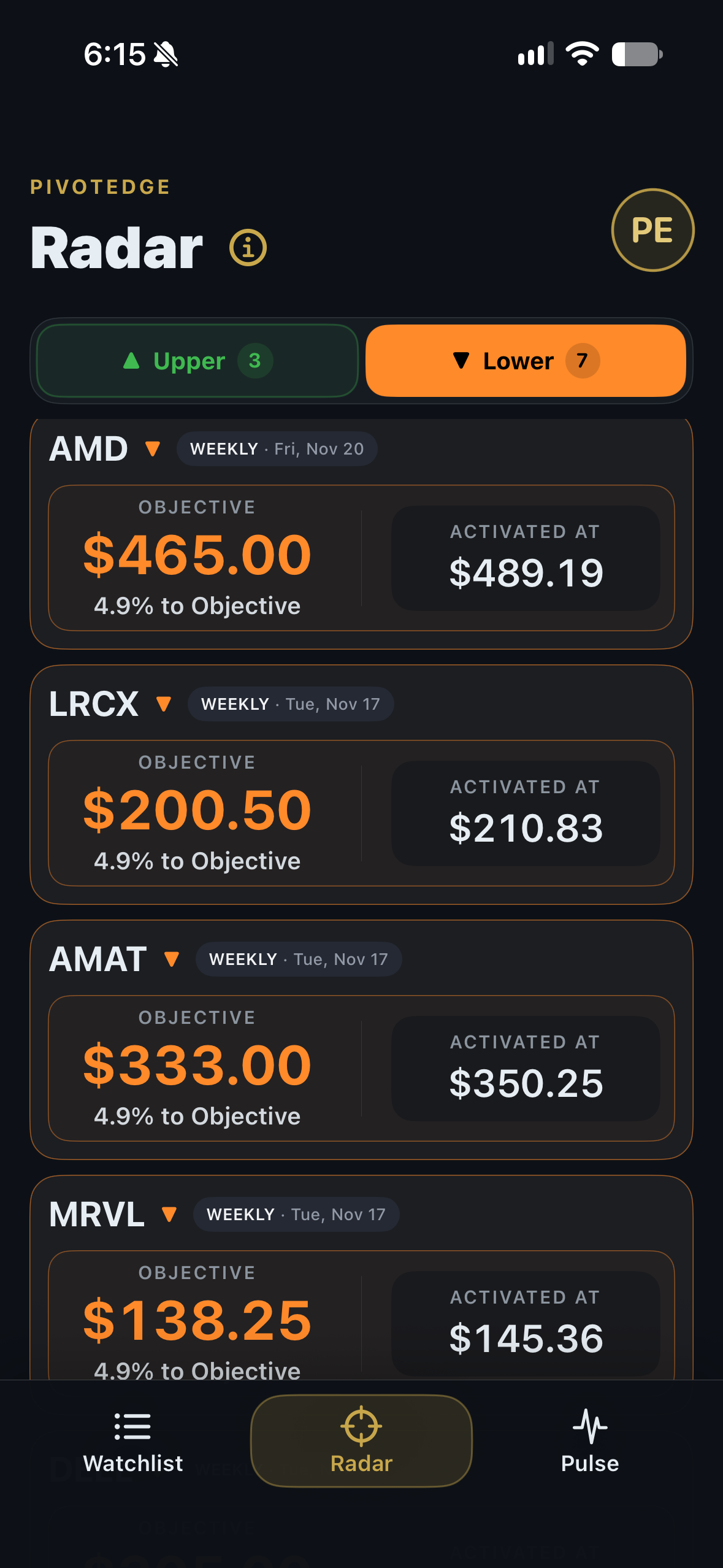
PivotEdge keeps the app focused: organize symbols in Watchlist, review Daily and Weekly setups together in Radar, and use Pulse for supported Active, Next Up, and Close Prep views.
Keep supported symbols organized in clear Upper, Lower, and Waiting views with an optional near-activation filter.
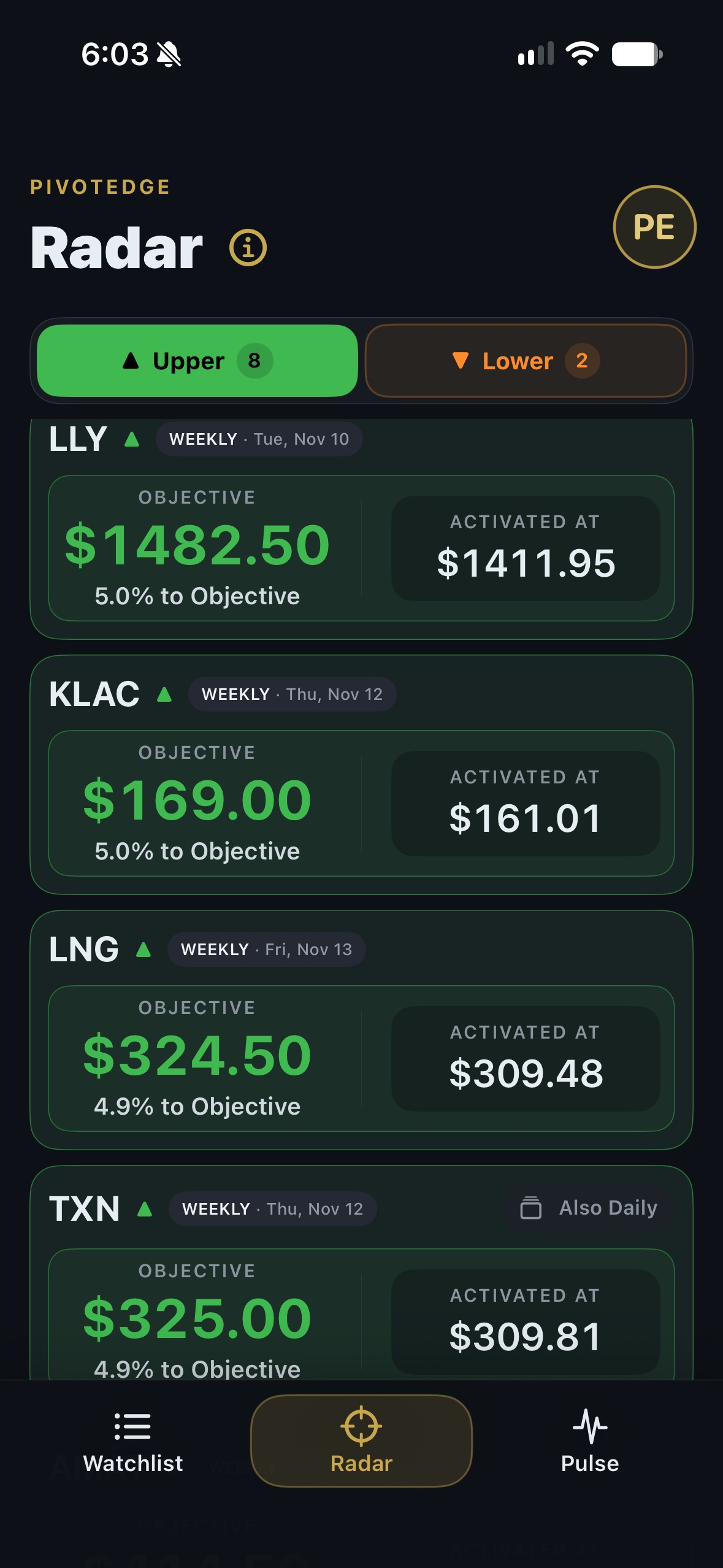
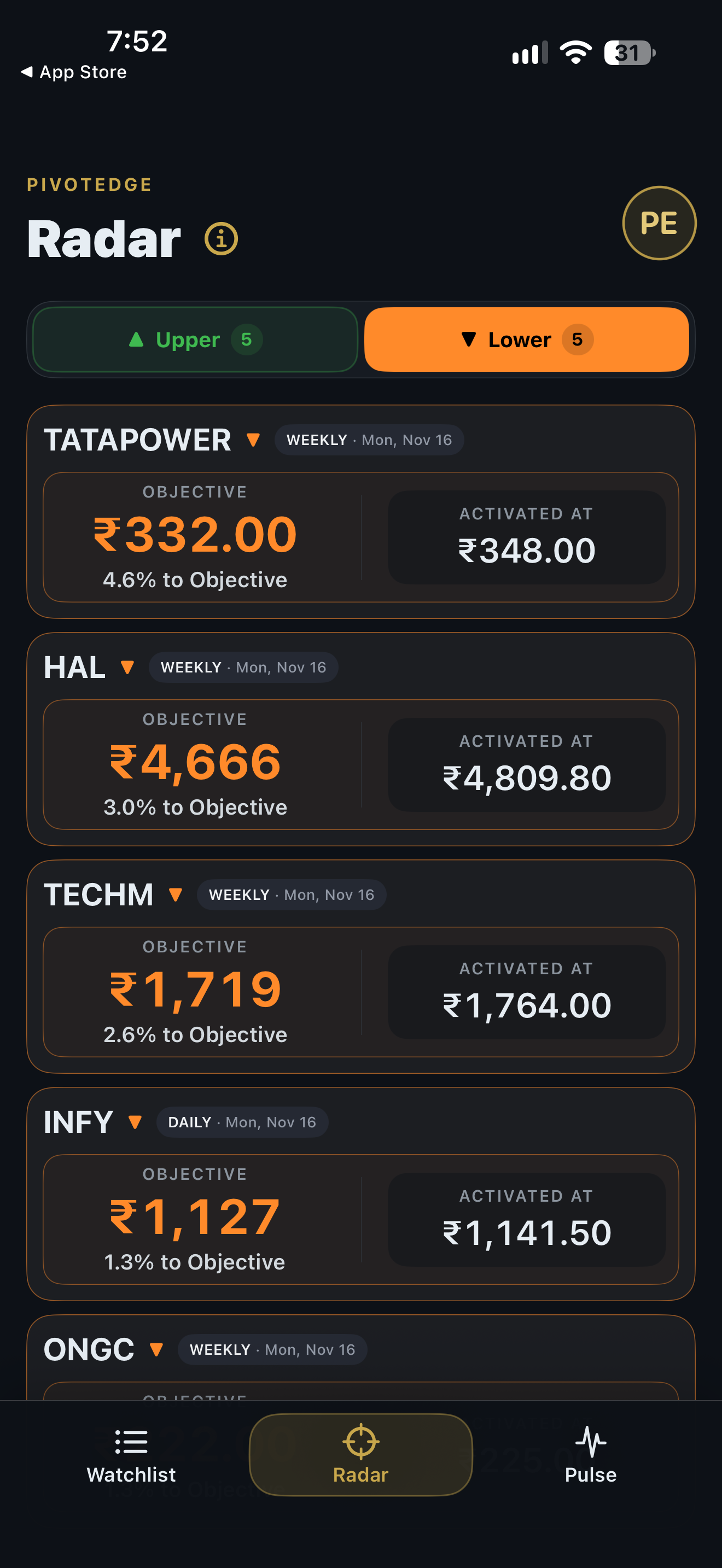
Review ranked Daily and Weekly setups in one list, then filter Upper or Lower cards.
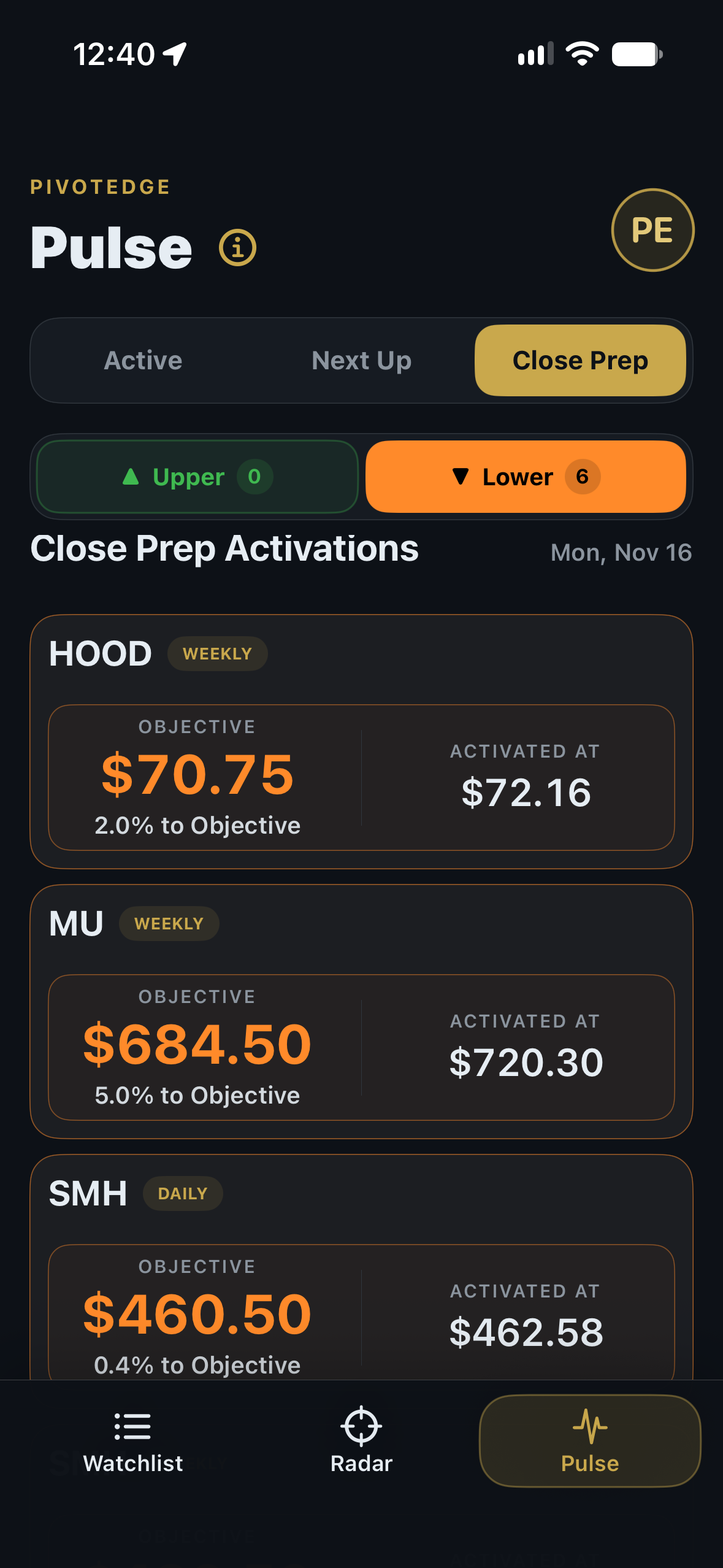
Move between supported Active, Next Up, and Close Prep views with clear direction filters and session context.
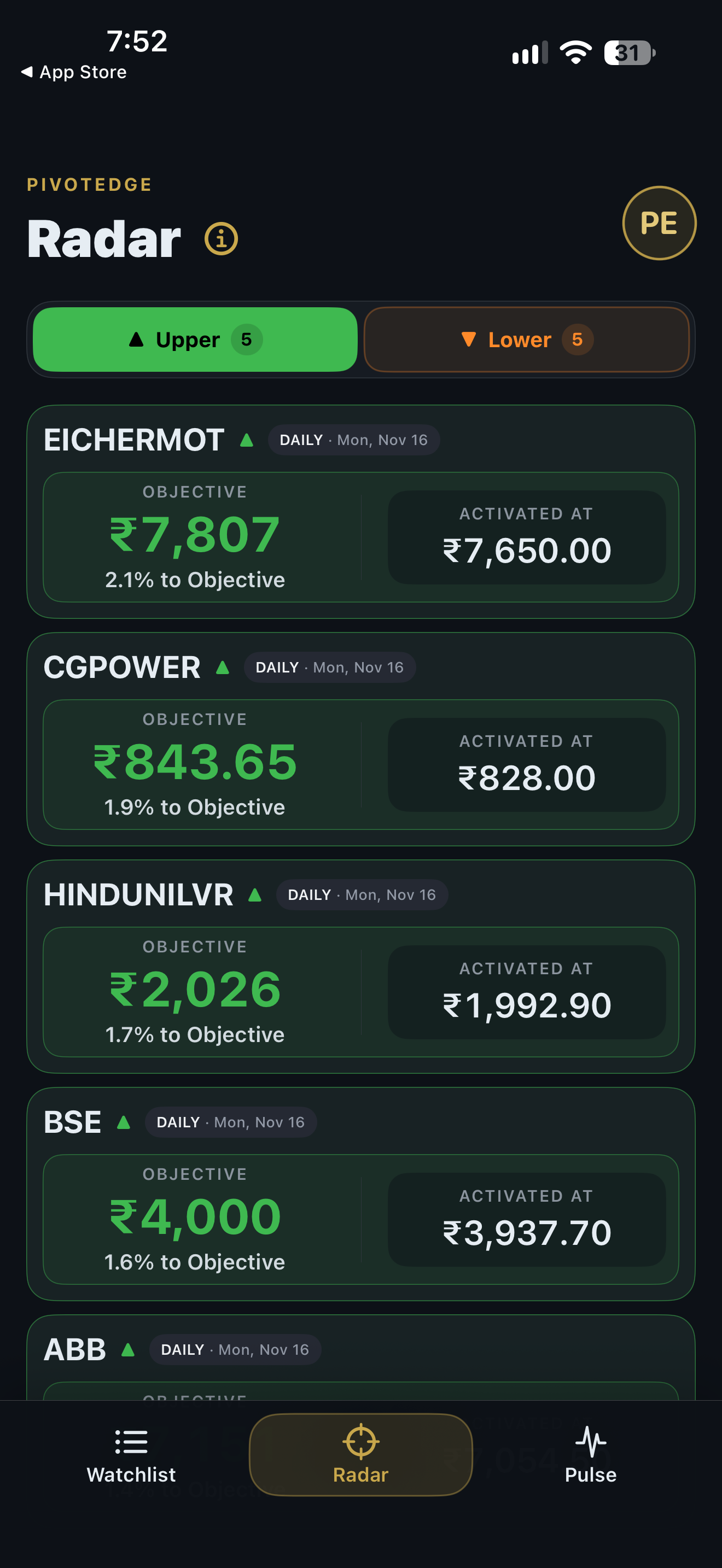
Use Add Ticker, personal Watchlist, and the same unified Radar presentation for eligible supported India symbols.
Download the iOS app and create a free account to see a limited Watchlist preview. Premium unlocks expanded Watchlist, Radar, Pulse, and notification features where supported.
Move from Watchlist to unified Radar, then use Pulse for supported Active, Next Up, and Close Prep activity. Screens evolve as the app is updated.
Your symbols organized into Upper, Lower, and Waiting views.
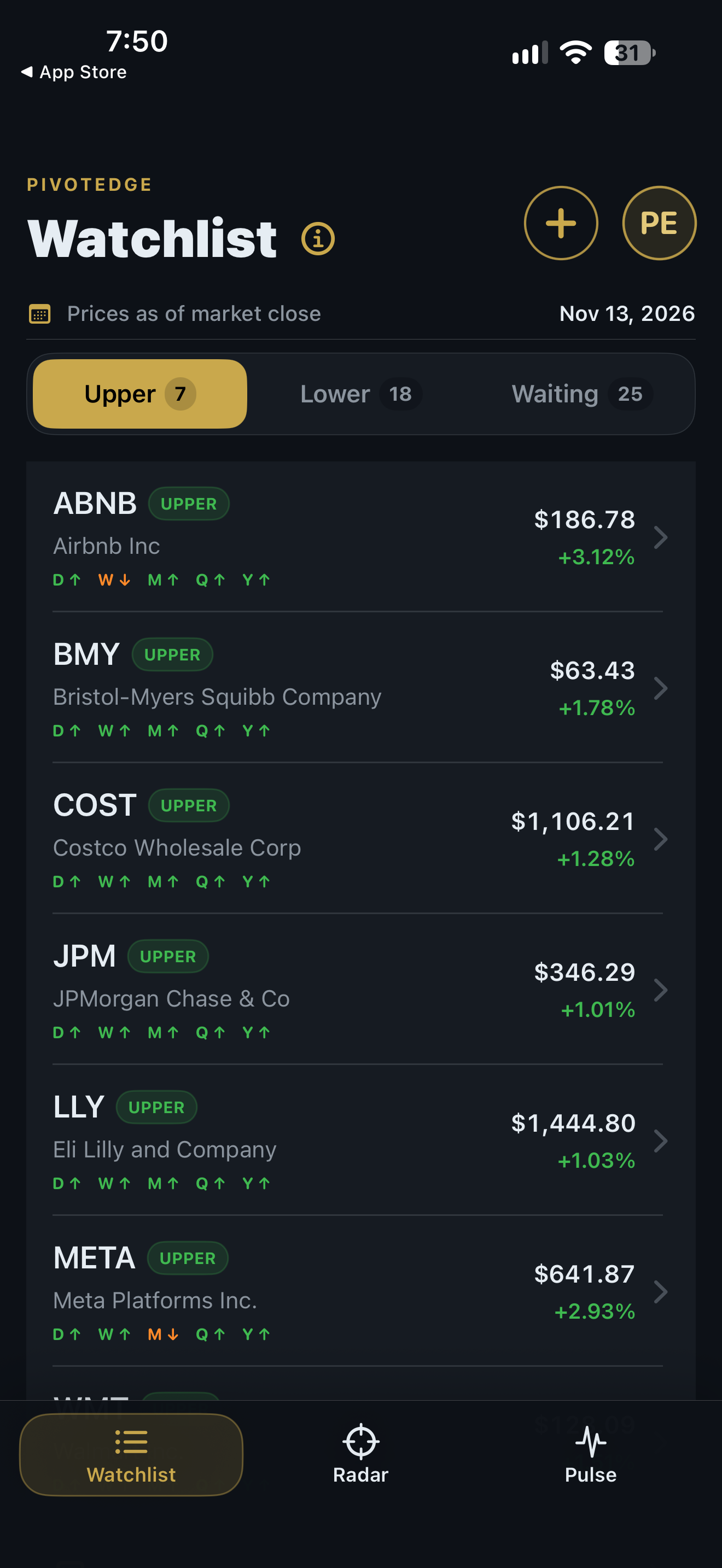
Recent Lower setups retain their Daily or Weekly horizon identity inside the unified Radar list.
Upper setups remain available in the same ranked presentation with their Daily or Weekly horizon identity.
Review eligible supported India Daily setups with the same Upper and Lower controls.
Review eligible supported India Weekly setups in the same unified list.
Review supported Daily and Weekly Lower activity near the end of the regular U.S. session.
Start with a limited Watchlist preview. Premium unlocks expanded Watchlist, Radar, Pulse, and notification features where supported.